Build practical AI systems in the time you actually have.
Choose a useful outcome, follow a clear workflow, and build it without coding or tool overload. Every system shows the tools, setup time, steps, and real output upfront.
What do you need to get done?
Start with the outcome, not the tool. Choose the result you want, then filter by the time you actually have.
Create Content
Generate Leads
Grow Email
Automate Admin
Research Faster
Build Income Systems
FEATURED SYSTEMS
Start with these first system directions
Practical, beginner-friendly AI systems designed for real working lives. Full copyable systems will be added as they are built, tested and documented.
CONTENT · 15 MIN
AI Content Capture System
Save and organise content ideas automatically before they disappear.
BEGINNER · 2 TOOLS
Preview System →
LEADS · 30 MIN
Lead Magnet Delivery System
Deliver your free guide and capture new subscribers automatically.
BEGINNER · 3 TOOLS
Preview System →
EMAIL · 1 HOUR
Email Follow-Up Starter System
Send a simple sequence of useful emails after someone joins your list.
BEGINNER · 3 TOOLS
Preview System →
MORE SYSTEMS COMING SOON
Simple systems. Practical outcomes.
SYSTEM BLUEPRINT
Tools don’t create outcomes.
Systems do.
A useful AI setup starts with a trigger, performs the right work, and delivers a useful output.
TRIGGER
The event that starts the system.
A form submission, new idea, scheduled time or other event tells the workflow when to begin.
PROCESS
The system does the work.
A form submission, new idea, scheduled time or other event tells the workflow when to begin.
OUTPUT
A useful result is created.
The finished result is delivered where it belongs — ready to use, review or act on.
EXAMPLE
From a new idea to an organised workspace.
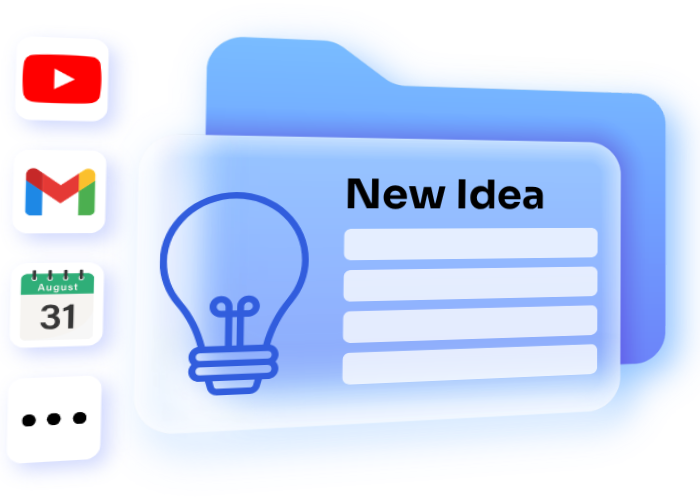
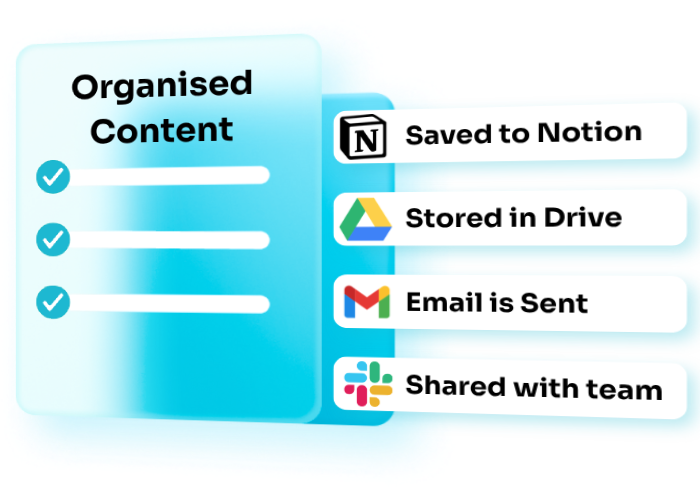
New content idea
You save a YouTube idea in a form.
AI cleans + categorises it
The system processes and organises it automatically.
Organised in your workspace
Saved in Notion, ready to plan, write or create.
From scattered ideas to a ready-to-use content bank
A simple AI workflow captures, sorts and organizes useful ideas so you spend less time searching and more time creating.
CAPTURE NEW IDEAS → CLEAN & STRUCTURE → ORGANISE INTO A WORKSPACE
CAPTURE NEW IDEAS
↓
CLEAN & STRUCTURE
↓
ORGANISE INTO A WORKSPACE
FREE STEP-BY-STEP GUIDE
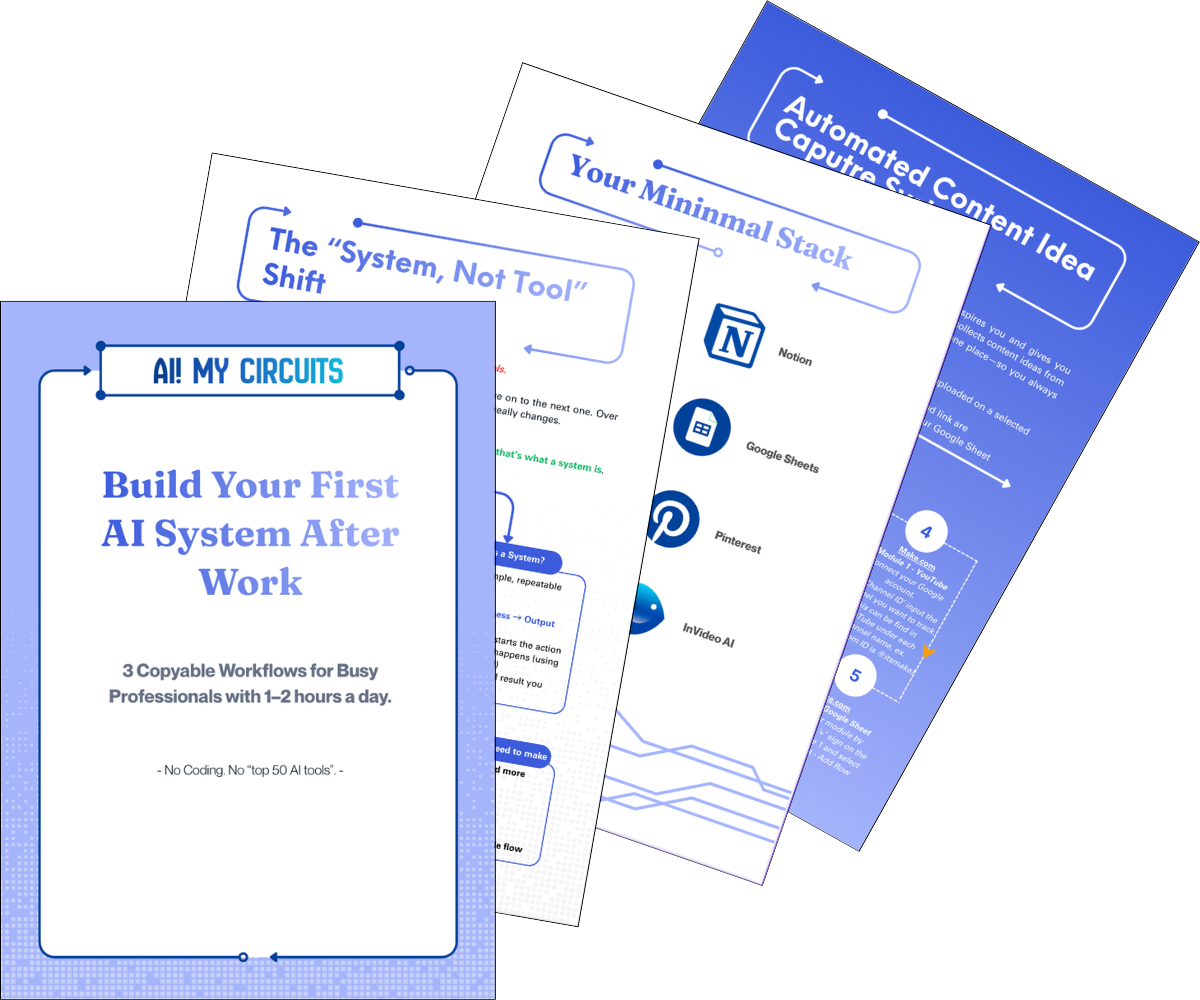
Build Your First AI System After Work
A practical beginner-friendly guide for turning one repetitive task into a simple AI workflow — without coding or spending hours figuring out tools.
- 3 Beginner-friendly Workflows
- Step-by-step Setup
- Tools Explained Upfront
- Bonus prompt Sheet
No coding. Built for after-work hours.
REAL SYSTEM OUTPUTS
See what the systems actually produce.
Real screenshots, recordings and outputs from systems built, tested and documented by AI! MY CIRCUITS.
CONTENT SYSTEM
AI Content Capture System
Automatically captures, processes and organises new content ideas into a structured workspace.
EMAIL SYSTEM
Automated Follow-Up Sequence
A working follow-up sequence triggered after a new subscriber joins the list.
LEAD SYSTEM
Lead Capture & Delivery System
A completed flow showing subscriber capture, guide delivery and contact organisation.
ONLY OUTPUTS FROM SYSTEMS WE’VE BUILT AND TESTED
HOW WE BUILD
How we build practical AI systemsSTEP-BY-STEP
Every system starts with the outcome—not the tool. From there, we remove unnecessary complexity, build the shortest workable path, document the setup and show you what the finished output should look like.
OUTCOME FIRST · MINIMAL STACK · VISIBLE OUTPUT
Define the outcome
Start with the result, not the software.
We define exactly what the system needs to produce before choosing how to build it.
Remove unnecessary tools
Use only what the workflow actually needs.
Fewer tools mean fewer moving parts, less setup and less to maintain.
Build the shortest reliable workflow
Create the clearest path from trigger to output.
Each step earns its place. Anything that adds complexity without improving the result gets removed.
Document every step
Make the setup understandable and repeatable.
Requirements, setup steps and important handoffs are documented so you can see how the system works.
Show the expected output
Know what the finished result should look like.
Every system makes its intended output visible rather than asking you to rely on vague promises.
TOOLS WE USE & RECOMMEND
The tools behind our systems.
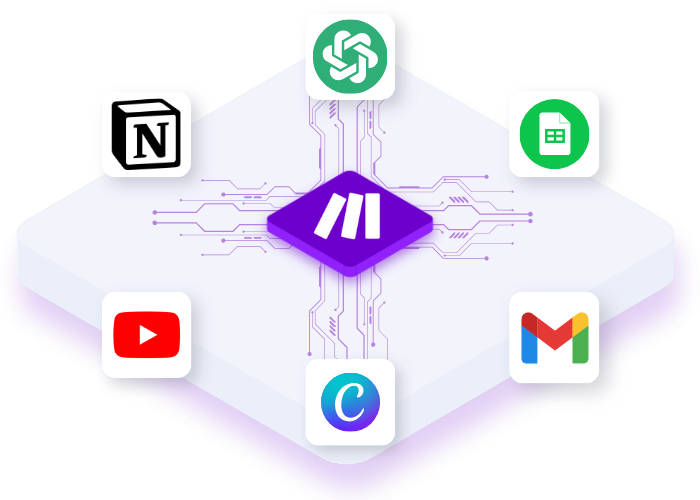
A deliberately small stack of tools we use, test or recommend for specific jobs inside practical AI systems.
ChatGPT
Notion
Canva
Systems.io
Hostinger
Make
Practical guidance for building better systems.
Focused guides, comparisons and implementation resources for choosing tools and building practical AI workflows.
RECOMMENDED TOOLS
The Minimal AI Stack for Busy Professionals
A focused set of tools for building useful AI systems without unnecessary complexity or tool overload.
See the stack →
COMPARISON
Make vs Zapier for Busy Solopreneurs
Compare setup, flexibility, learning curve and where each platform fits before choosing your automation tool.
Compare platforms →
IMPLEMENTATION
Build a Simple Lead Generation Workflow
See how a small tool stack connects into a practical content-to-lead system you can build after work.
See the workflow →
FAQ
Common questions, clear answers.
What to know about setup, tools and AI! MY CIRCUITS systems before you start.
Still have questions?
Do I need coding experience?
No. AI! MY CIRCUITS systems are designed for non-technical users. When a tool or setup step is required, it is explained clearly and step by step.
How long does setup take?
It depends on the system, but everything is designed around limited after-work time. Each system will clearly show the expected setup time before you start, so you know what you are committing to.
What tools do I need?
Each system lists the tools required before you begin. Depending on the workflow, this may include tools such as ChatGPT, Make, Notion or other platforms used to complete the specific outcome.
Are paid tools required?
Not always. Where possible, systems are designed to work with free or low-cost plans first. If a paid plan or feature is genuinely required, that will be made clear before you purchase or begin the setup.
What exactly do I receive?
It depends on the system, but products may include step-by-step guides, workflow diagrams, templates, Notion workspaces, Make blueprints, prompts, launch assets and setup instructions. Each product page will show exactly what is included.
What happens when a tool changes?
AI tools and interfaces evolve, so systems are built around the underlying workflow rather than one fragile screen-by-screen setup. When an important change materially affects a system, the goal is to update the relevant instructions or assets where practical.
Do you guarantee results?
No. AI! MY CIRCUITS provides systems, workflows and implementation tools designed to make execution clearer and easier, but results depend on how they are used and on factors outside our control. We do not promise guaranteed income, sales or business outcomes.
Start with one simple system.
No tool collecting. No complicated setup. Start with something you can actually build and use.